How can we help?
Short, step-by-step guides for the things people ask about most. My Prayer Connect is free for every member and every group.
Step guide 8
Use the Today page
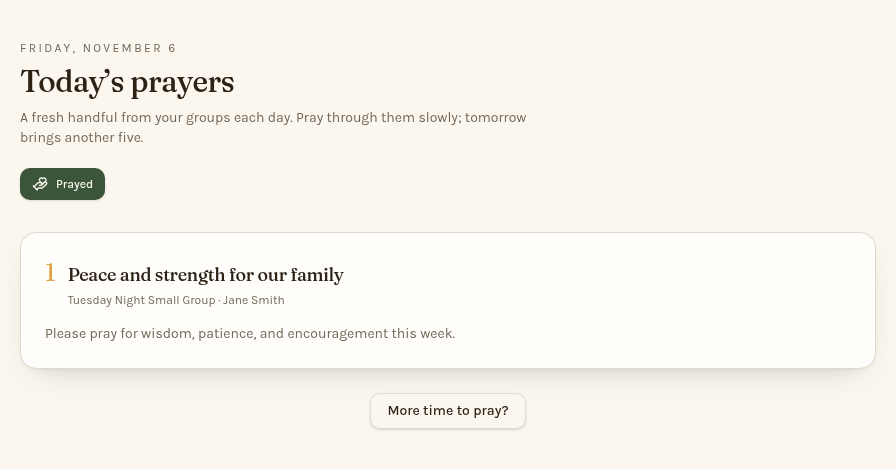
- Open Today to see up to five open prayer requests you are allowed to see from your groups.
- Pray through the requests and their latest updates. For longer details, tap Read the full request.
- When you've prayed through the displayed list, tap the single Prayed button at the top. It changes to Prayed today.
- For more requests, tap More time to pray?. Tap Back to today’s five to return to the daily list.
The daily list and Prayed record reset at midnight Eastern. Prayer counts are tracked only for groups that enable them, and are visible only to their leaders and the person who shared the request. To include your own request, check Show in my Today feed on that request under Requests.
Still stuck? Email info@myprayerconnect.com and we'll gladly help.
Create your free account