How can we help?
Short, step-by-step guides for the things people ask about most. My Prayer Connect is free for every member and every group.
Step guide 3
Change your display name
- Sign in and tap the gear icon in the top-right corner.
- Choose Account.
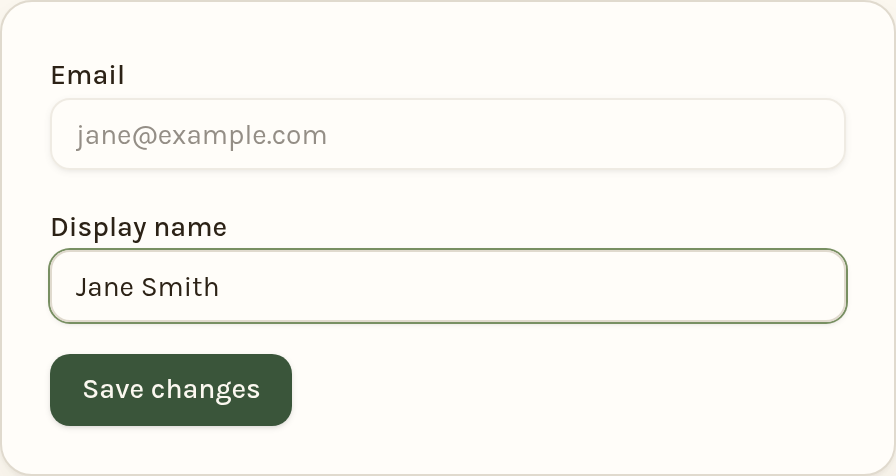
- In the Display name box, type the name you'd like your groups to see.
- Tap Save changes.
Your display name is the only personal detail other members see — your email address and phone number stay private.
Still stuck? Email info@myprayerconnect.com and we'll gladly help.
Create your free account