How can we help?
Short, step-by-step guides for the things people ask about most. My Prayer Connect is free for every member and every group.
Step guide 12
Leave a group
- Open Groups and select the group you want to leave.
- Scroll down and tap Leave this group.
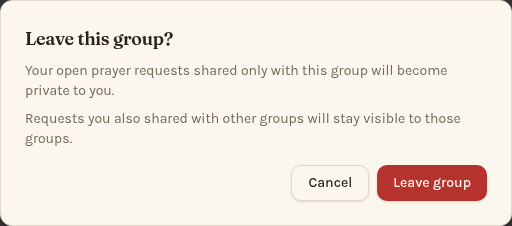
- Read the confirmation, then tap Leave group. Tap Cancel if you want to stay.
- You can also open Manage members and choose Remove me from this group if you're not a leader.
Your open requests shared only with the group become private to you. Requests also shared with other groups remain visible there. The group's meetings leave your app calendar. Leaders must transfer leadership before leaving; a leader with no other members can delete the group instead.
Still stuck? Email info@myprayerconnect.com and we'll gladly help.
Create your free account